AI Poster in CapCut
Led the end-to-end design of CapCut’s AI Poster, allowing users to generate posters from text descriptions, upload reference images, and supports layered editing.
date
2025.02 → 2025.04
duration
2 months
Roles
UX / UI
Why build AI Poster in CapCut ?
Innovative features
Our advantage lies in using the latest models to generate AI-powered handwritten fonts, with layer parsing and text-layer editing support.
CapCut’s creative ecosystem
CapCut is not only a video editor but also offers basic graphic editing capabilities. Combining text-to-image generation with these features creates a closed creative workflow.
How to turn requirements into workflows?
功能分析
本质上是 AI 文生图工具
进阶能力一:支持上传图片作为智能参考
进阶能力二:在生成图像基础上局部修改(重绘/消除)
进阶能力三:支持解析文字图层,并做编辑
核心流程
输入描述词
上传参考图
使用模板
选择生成结果
(四选一)
点击生成
重新编辑/再次生成
进入AI生成流程
进入AI生成流程
完成
完成
超清/下载
分图层编辑
图层解析
传统图形编辑器
局部重绘
智能编辑
清除
编辑图片
智能重绘
01. 输入
02. 结果选择
03. 深度编辑
支线流程
生成前:
模板预设、查看生成历史、新手引导
生成中:
加载样式,支持最小化,后台任务完成提示
生成后:
下载、超清、反馈、举报、涂抹重置
get start
How to help users quickly understand what is AI Poster and get started.
version 1.0
version 2.0


Flow 1
start from Template


choose template
Text Enhancement
Ratio Adjustment
choose Ratio

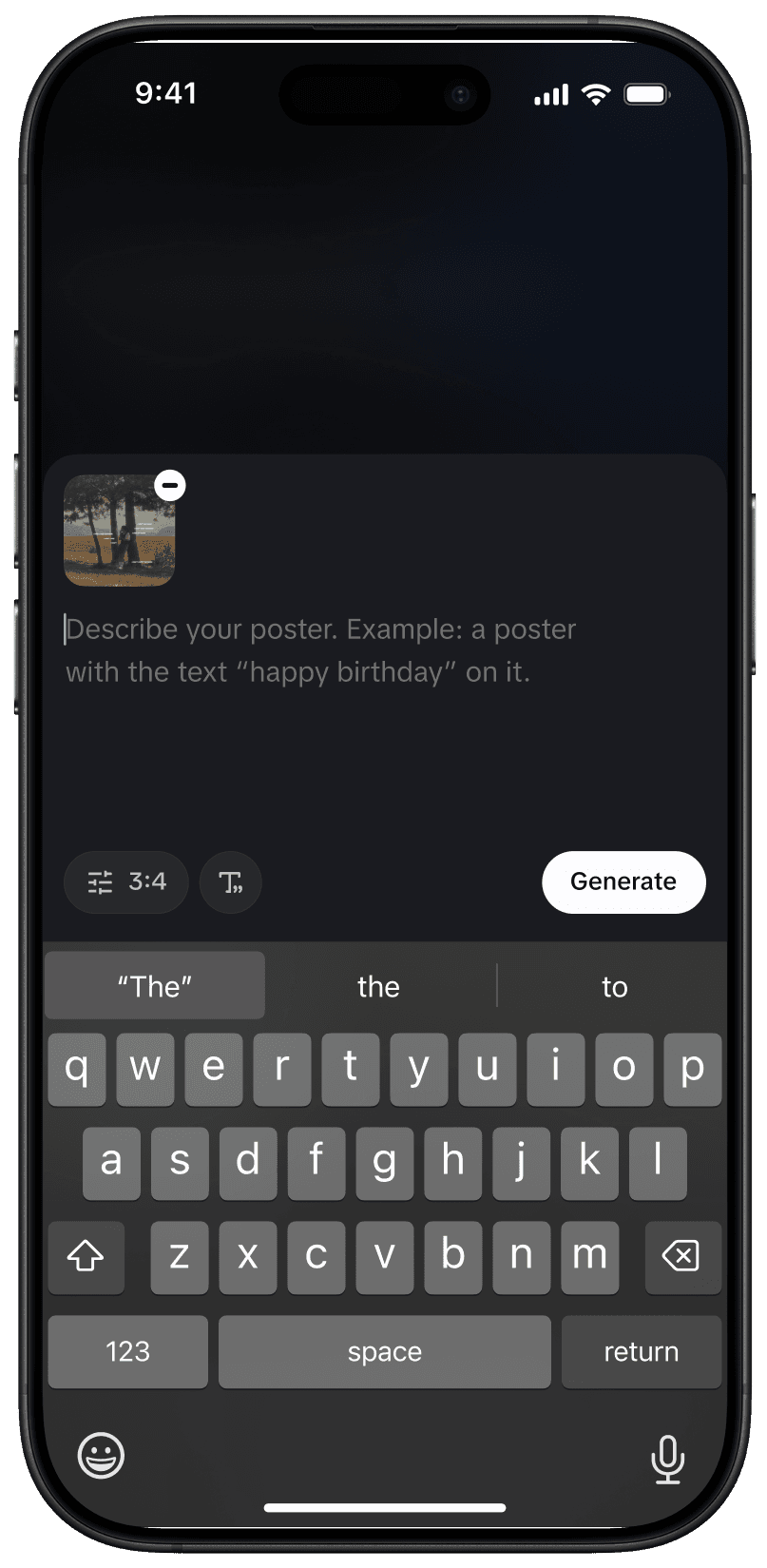


create new poster
upload image
input prompt
input prompt
Flow 2
start from Scratch
generating

creation result
creation preview
enhance
Save
Flow 3
enhance & export


01 finalization area
02 preview area
03 editing area
preview page
Al Modify
edit more


describe
Flow 4
aI modify
Al Modify
inpainting
Adjust brush size
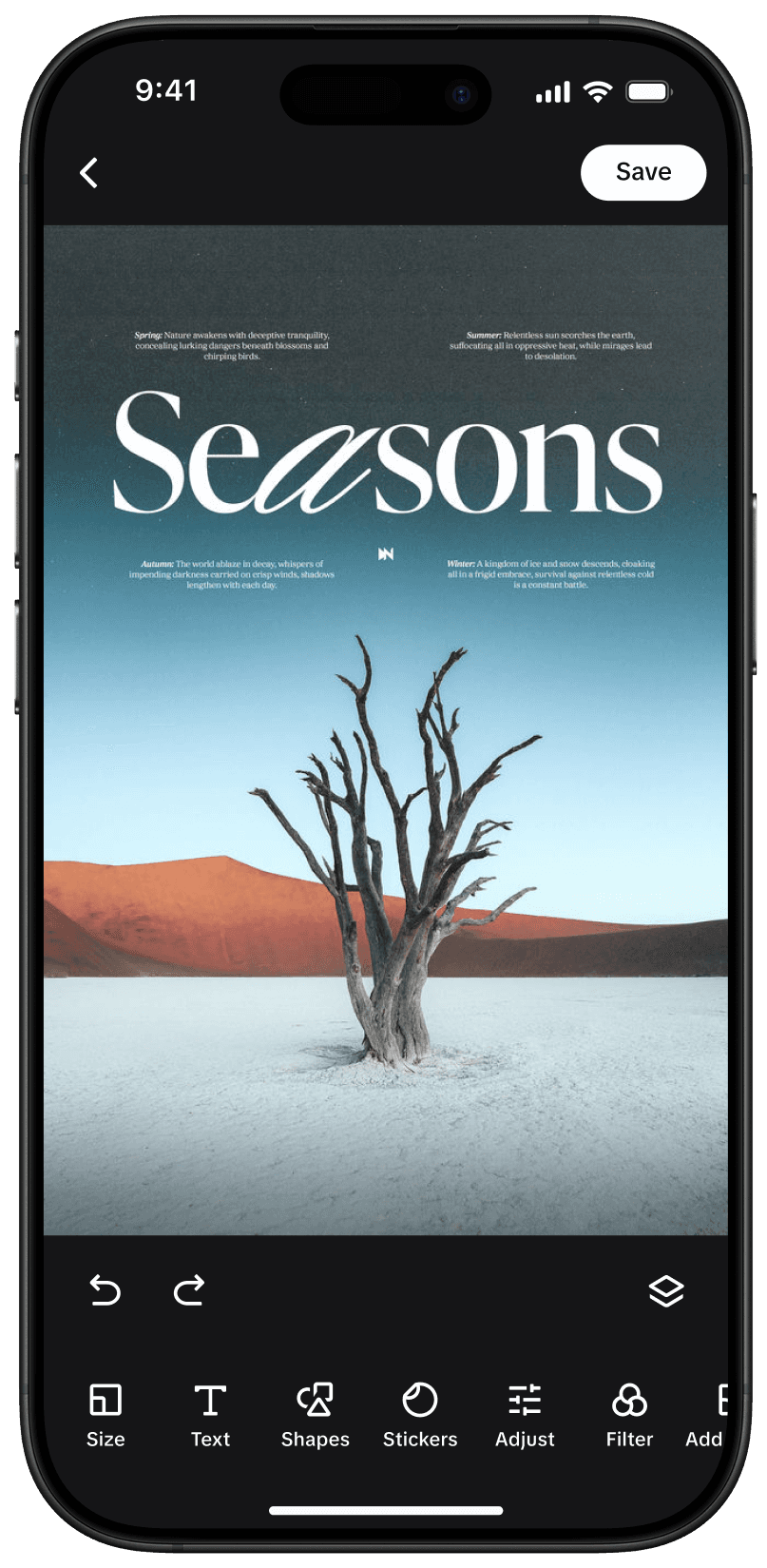


font
edit more
layer
style
Flow 5
edit more
now available in CapCut
Find in App Store
「AI Lab」Tab